
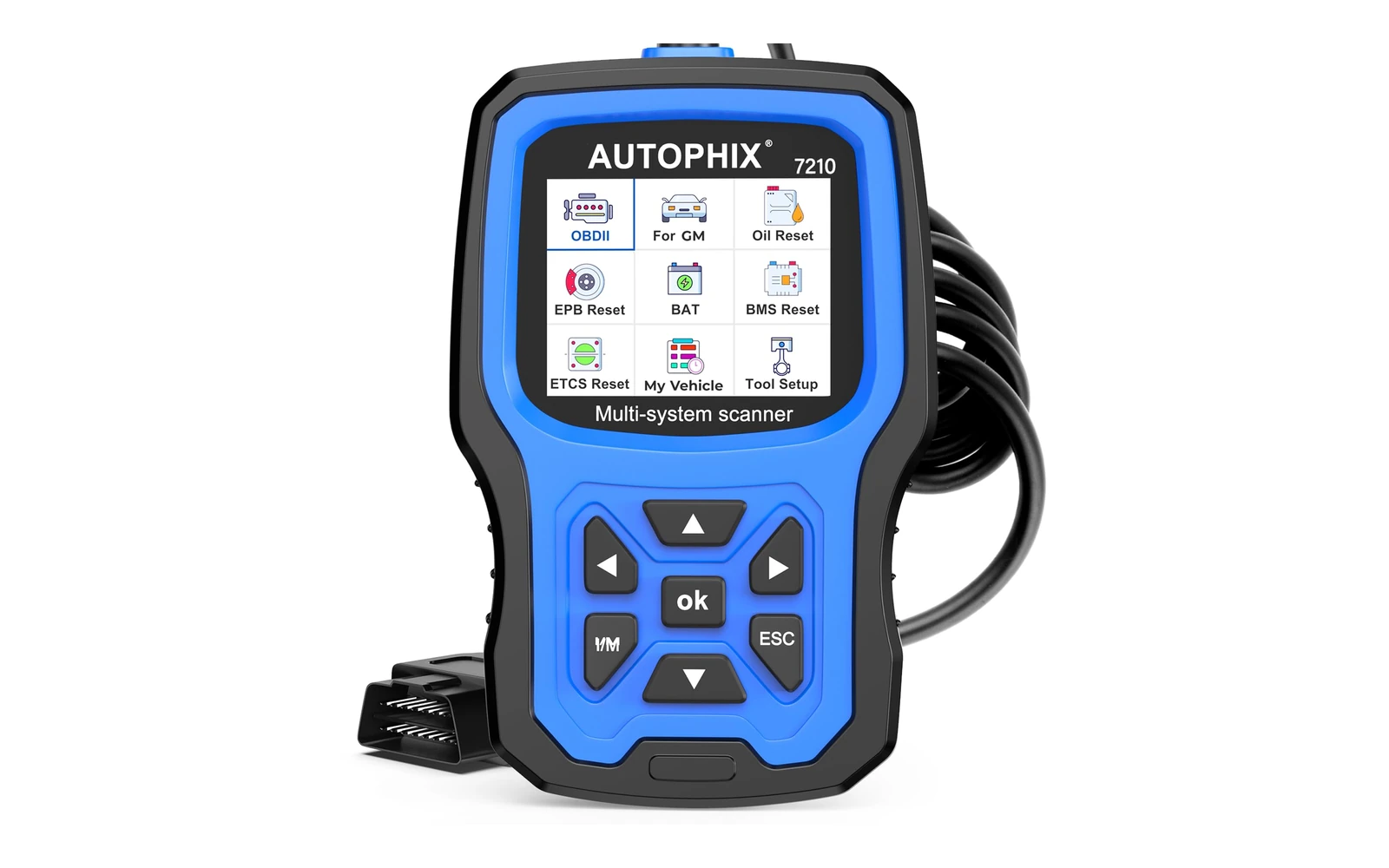
The old AutoMeter DashControl display is obsolete. A modern GM-focused full-system scanner is more useful for diagnosis because it can read manufacturer modules and support service functions instead of only displaying a narrow set of data.
Fitment first
What to confirm before buying
Compatibility must be checked by make, model, model year, engine, control module, and desired function. The listing describes broad support for many GM vehicles from 1996 through 2020 and selected later vehicles, but it also states that system and service coverage varies by configuration. OBD-II engine-code access does not guarantee access to every manufacturer module. Likewise, a vehicle appearing in a general fitment range does not guarantee oil reset, ABS bleeding, battery registration, TPMS service, gearbox adaptation, injector coding, or another special procedure. Confirm the exact vehicle and the exact task in the compatibility chart before buying. This is particularly important for trucks that changed electronic architecture during a model run. The scanner plugs into the standard diagnostic connector, but physical connector fit is only the first step; supported communication protocols and software coverage determine what the tool can actually do.
Product at a glance
| Current product | AUTOPHIX 7210P+ |
|---|---|
| Connection | OBD-II |
| Scope | GM-focused full-system diagnostics |
| Updates | Listing states lifetime software updates |
How this accessory works in practice
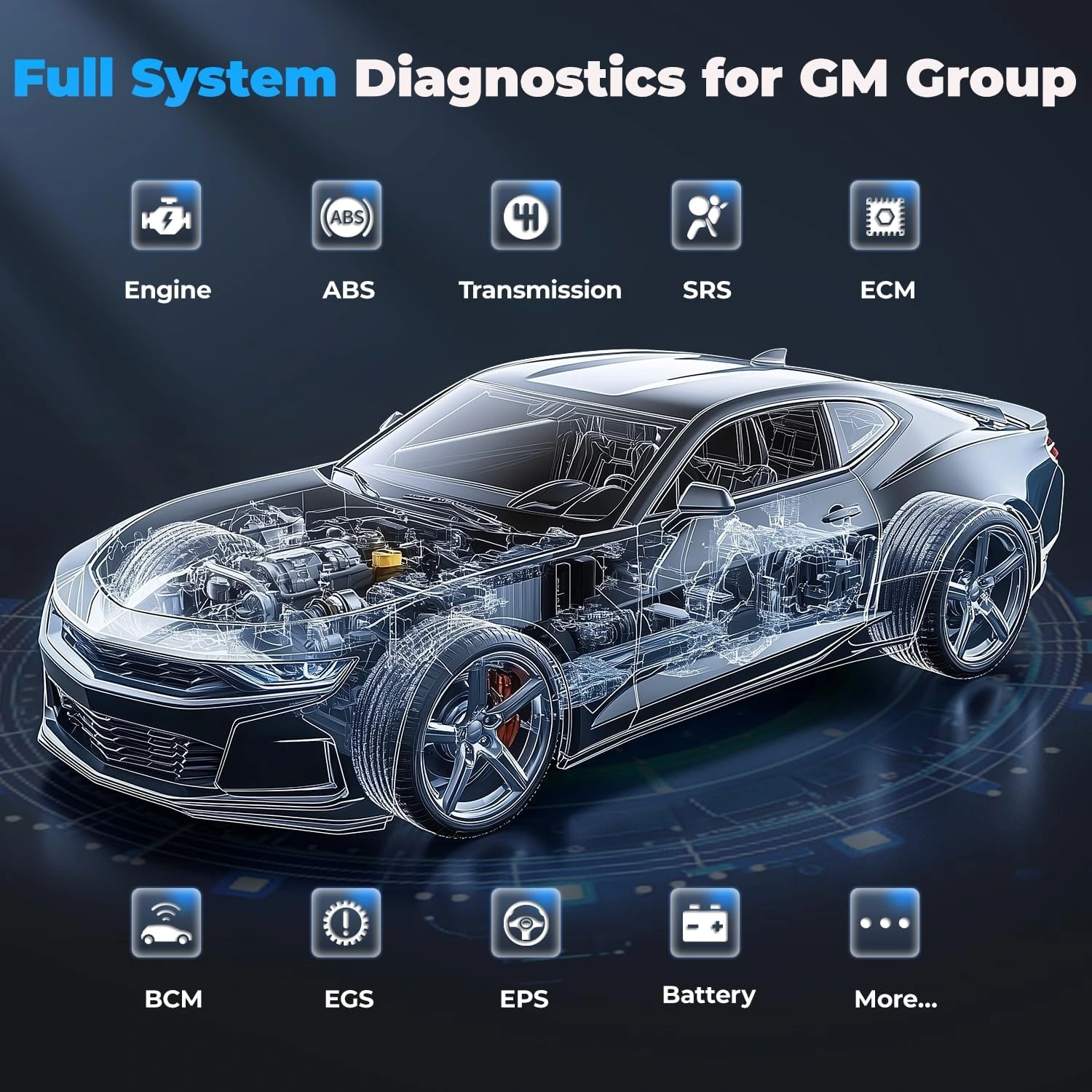
The AUTOPHIX 7210P+ is a handheld OBD-II scan tool aimed at compatible Chevrolet, GMC, Buick, and Cadillac vehicles. Unlike the obsolete AutoMeter DashControl display that occupied the original page, this tool is intended for diagnosis and service work rather than continuous gauge display in the factory Driver Information Center. Its listing describes full-system access to modules such as engine, transmission, ABS, airbag, body control, steering, climate, radio, parking brake, and fuel pump where the vehicle supports that access. It also lists generic engine-code functions and I/M readiness. The color screen is 2.8 inches with a stated 320 by 240 resolution, and the package includes the scanner, a USB cable, and a manual. Module access is useful, but a code remains a diagnostic clue. Reading or clearing it does not prove that a sensor, wiring circuit, mechanical component, or control module is defective.
Daily use and ownership
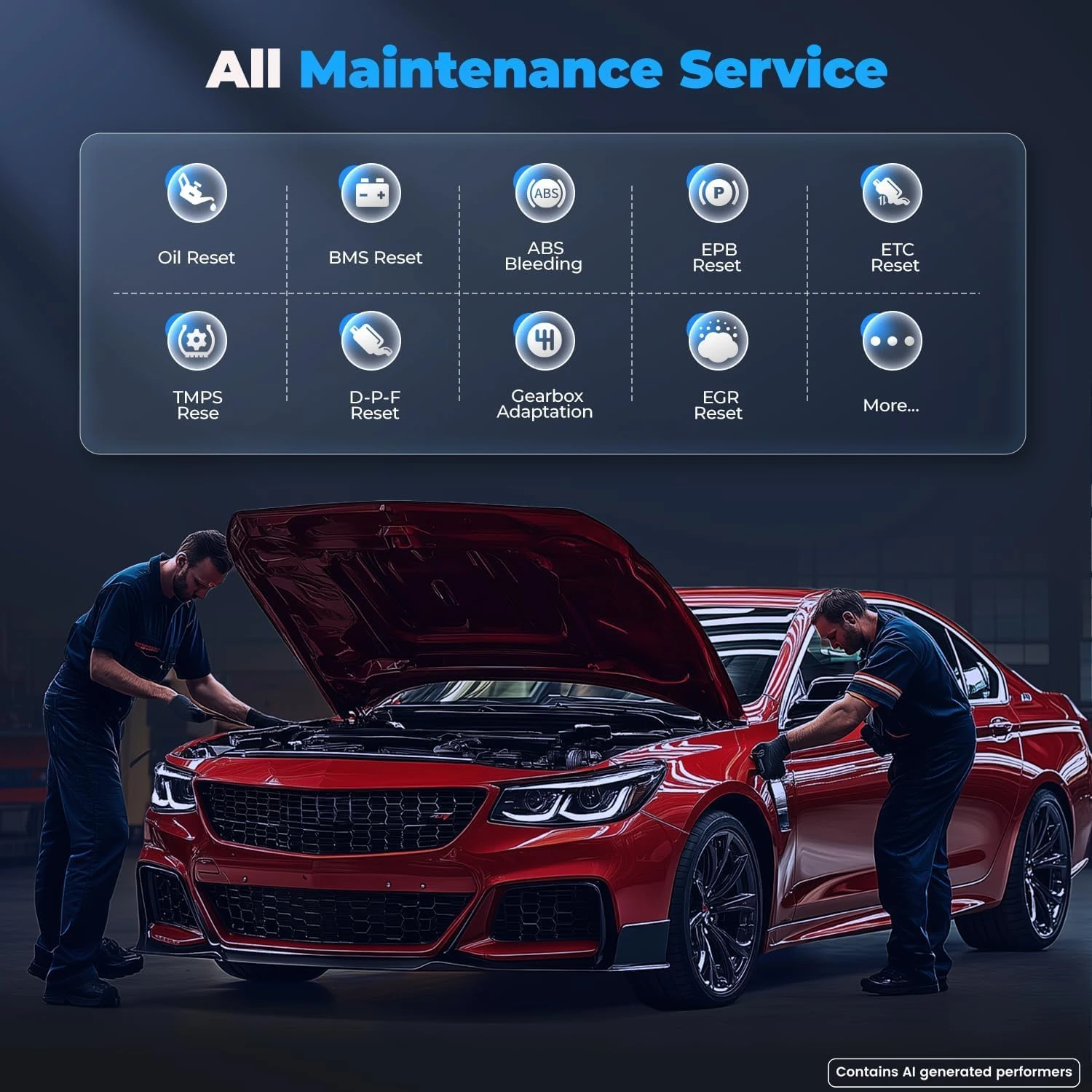
Begin a diagnostic session with the battery in good condition and the ignition state set exactly as the tool instructs. Run a complete scan and save or photograph the report before clearing anything. Record which codes are current, pending, history, or module-specific if the tool provides those distinctions. Then diagnose the underlying circuit or system using service information and appropriate mechanical or electrical tests. Clearing codes too early can erase useful context and make an intermittent problem harder to reproduce. The listed reset menu includes oil, electronic parking brake, diesel particulate filter, tire-pressure monitoring, exhaust-gas recirculation, electronic throttle, steering-angle calibration, ABS bleeding, battery management, transmission adaptation, and injector coding. These names describe possible tool functions, not automatic permissions to run them. A procedure should be used only when supported by that vehicle and when its prerequisites have been completed.
Installation and setup
No permanent installation is required. Locate the diagnostic connector without forcing trim, switch the ignition off, inspect the scanner plug for bent pins, and connect it squarely. Follow the on-screen prompt for key-on or engine-running states. Do not disconnect the scanner during a software update, module communication, calibration, or service routine. Long scans and actuator-related procedures can be interrupted by low voltage, so use a vehicle-appropriate battery maintainer when the service instructions require stable support. Keep the cable clear of pedals, steering components, and the driver's feet. Before any reset, verify that the repair or maintenance operation has actually been completed and that the vehicle is in the required position, temperature range, or transmission state. Save the pre-repair scan, complete the work, clear only the appropriate faults, and scan again to document what returns.
Care and maintenance
Store the scanner and cable dry, away from solvents, heat, and loose tools that can damage the screen or connector. Inspect the diagnostic plug and USB port before use. The listing states that software updates are provided without a recurring subscription, so follow the manufacturer's update procedure and confirm that an update completes before connecting to a vehicle. Keep a simple record of scanner version, vehicle, scan date, codes, and work performed outside the tool. Do not treat an update as proof that every newly listed function applies to every vehicle. If communication becomes unreliable, check vehicle voltage, connector condition, selected vehicle profile, and other modules before assuming the scanner has failed.
Buy it when
- Buy the 7210P+ if you maintain compatible GM vehicles and need more than a generic check-engine reader. It is a reasonable match for an owner who wants to scan several vehicle systems, check readiness, preserve reports, and perform only those service functions specifically confirmed for the vehicle. Its handheld format also suits garage use where a phone-based adapter is undesirable. The value comes from verified coverage and disciplined diagnosis, not from clearing warning lamps.
Skip it when
- Skip it if the required vehicle, module, or service procedure is not explicitly supported. Choose a broader professional platform if you work across many manufacturers, need documented bidirectional controls, require programming, or depend on shop-level topology and guided tests. It is also the wrong purchase if the goal is a permanent dashboard gauge display like the discontinued product on the old page. A basic reader may be enough when you only need generic engine codes and readiness status.
Frequently asked questions
Is this more capable than a basic OBD-II code reader?
On supported GM vehicles, the listing describes access to multiple manufacturer systems in addition to generic engine functions. Exact module and service coverage still varies by model year and configuration, so the compatibility chart must be checked for the intended task.
Will every listed reset work on every compatible vehicle?
No. Oil, EPB, DPF, TPMS, battery, ABS, steering, transmission, and injector functions depend on the vehicle and module. Confirm the exact function before purchase and follow the vehicle's service procedure before initiating it.
Can clearing a code be treated as a repair?
No. Clearing removes stored fault information or a warning request; it does not correct a failed part, wiring fault, leak, calibration issue, or mechanical problem. Diagnose and repair the cause, then rescan to see whether the fault returns.
Can the scanner guarantee that a vehicle will pass an inspection?
No. I/M readiness can show whether supported emissions monitors are ready, but inspection results also depend on active faults, local procedures, and the vehicle's condition. Clearing codes can reset monitors to not ready.
Related fitment guides
- 12 BEST TAILGATE ASSIST SHOCKS FOR ALL TRUCKS | COMPLETE REVIEW & GUIDE
- THE 5 BEST OIL FOR FORD F150 WITH GUARANTEED VALUE FOR MONEY
- 4 Symptoms of a Bad All-Wheel-Drive (AWD) Transfer Case
Technical reference
Application and technical details were checked against NHTSA vehicle and recall lookup. Use the manufacturer application data and the vehicle’s own measurements as the final fitment check.